A “virtual number for WhatsApp” here means a memorable UK business number, an 01/02 landline, 07 mobile or 03/08 non-geo number, that you buy or rent for branding and call routing. You can register it with WhatsApp Business as long as it can receive a voice call, because landlines can’t get an SMS code. This article covers the verification steps, the commercial benefits, and the Ofcom protections that make a memorable number a safe long-term purchase.
TL;DR:
- Using a memorable UK business number can boost customer recall, trust, and operational flexibility, especially when paired with WhatsApp Business.
- Registering a landline for WhatsApp requires voice call verification since SMS codes cannot be received on landlines, and the number must accept direct voice calls without extensions.
- Porting your number between providers maintains brand consistency, with Ofcom protections ensuring minimal disruption and no extra charges in most cases.
- Choosing the right number format depends on your business location and customer base, with confirmation of voice call readiness before deployment being essential.
- Searchable databases and clear porting rules enable businesses to select and transfer numbers easily, avoiding losing recognition or control over their contact identity.
Table of Contents
- What we mean by a virtual number here
- How do you register a landline for WhatsApp Business?
- Why does a memorable number help your WhatsApp Business setup?
- Can you keep your number if you switch provider?
- How do you choose and set up the right number?
- Why memorable numbers change customer behaviour
- Get a memorable number ready for calls and WhatsApp
- Where to check the official rules
- Sources
- FAQ
What we mean by a virtual number here
There’s genuine confusion around this term, so it’s worth being precise before going any further. Some sites use “virtual number” to mean a temporary, throwaway number bought purely to receive one SMS code, often for creating disposable accounts. That is not what this article covers, and it’s not what Phonenumbers sells.
Here, a virtual number is a real, memorable UK business number that exists independently of a fixed phone line at your premises. It’s provisioned in one of a few ways:
- Call forwarding: calls to the number route to your mobile, office phone, or call centre.
- SIM-based: the number sits on a physical SIM you can insert into a handset.
- Telephony integration: the number plugs into an existing PBX or cloud phone system.
Because the number isn’t tied to a specific exchange or handset, you can pick a landline code from a city you don’t operate in, keep your mobile number for life, or run a non-geo 03 number that never needs changing when you move premises.
How do you register a landline for WhatsApp Business?
Registering a landline or non-geo number with WhatsApp Business is straightforward, but one step trips people up every time: the SMS. Landlines can’t receive text messages, so you need the voice verification route from the start.
Here’s the process:
- Download the WhatsApp Business app and open it for the first time.
- Tap “Agree and Continue,” then choose “Use a different number” rather than your personal mobile.
- Enter the business number without the leading zero, using the correct UK country code.
- Wait for the SMS attempt to fail or time out, then select “Call me”. WhatsApp places an automated voice call and reads out a six-digit code, according to WhatsApp’s own Help Centre.
- Answer the call at whatever device the number forwards to, note the code, and type it into the app.
A few limitations matter here. Extensions won’t work; WhatsApp sends the code to the exact number you enter, with no way to route through a switchboard extension, per the Help Centre’s guidance. The app also tends to reject VoIP-only lines, toll-free numbers, and premium-rate numbers, as Sinch notes in its guide to landline registration.
If you’re running several numbers, need a verified display name, or want automated replies at scale, the WhatsApp Business API is the better route, and it typically requires onboarding through a solution partner rather than a simple app download, as Sinch explains.
Pro Tip: Test the “Call me” verification before you print the number on a van, invoice, or shopfront. Make sure whoever answers the forwarding destination knows to expect an automated voice call reading out a code.
Why does a memorable number help your WhatsApp Business setup?
A number that customers can actually remember does more work than most small firms give it credit for. Plumbers, taxi firms, and trades businesses live and die by repeat callers, and a sequential or pattern-based number like 0113 255 0000 sticks in a way that a random eleven-digit mobile never will.
The practical benefits stack up quickly:
- Brand recall: an easy-to-remember number gets dialled again, months after the van has driven off, without anyone reaching for a saved contact.
- Separation of business and personal life: a dedicated number means you can log off WhatsApp Business without your mobile lighting up on a Sunday.
- Operational flexibility: forward calls to whoever’s on shift, swap the destination as your team changes, or connect the same number into a wider telephony system alongside the WhatsApp API.
DRC Ltd’s research on business phone numbers points to memorable numbers increasing customer recall and inbound enquiries, a meaningful edge when a missed call is a lost job. Running calls and WhatsApp messages through the same number also centralises contact for customers and staff, according to Trengo’s breakdown of landline registration, so nobody’s hunting through two separate inboxes to find a conversation history.
Can you keep your number if you switch provider?
Yes, and this is where a lot of business owners hesitate unnecessarily. Ofcom’s general conditions give you the right to port your number when you change supplier, on reasonable terms, and in most cases without a direct charge to you for the transfer itself, as set out in Ofcom’s rules protecting business customers.
There’s a safety net built in too: if a porting attempt fails partway through, your current provider has to keep your service running until the transfer completes, rather than leaving you disconnected while things get sorted, per the same Ofcom conditions. Separate Ofcom guidance on porting charges covers the practical mechanics of how that conveyance works between providers.
What this means for you day to day:
- Treat a memorable number as a transferable business asset, not something glued to one supplier.
- Ask any prospective number seller how long porting takes and who’s responsible if it stalls.
- Confirm in writing what happens to call forwarding and any linked WhatsApp registration during the switch.
Our guide to porting a number in the UK walks through the practical steps in more detail.
How do you choose and set up the right number?
Picking the number is only half the job. Getting it working for calls and WhatsApp Business without a hitch on launch day takes a bit of planning.
- Pick the format that suits your business. A local 01/02 landline code builds trust in a specific area; a 07 mobile suits a trade that’s always on the road; a non-geo 03 or 08 number works if you serve customers nationwide.
- Check memorability against your marketing. A number that echoes your business name, postcode, or a repeating digit pattern earns its keep on a van or a shopfront sign far more than a random string.
- Confirm it can take voice calls before you buy. Ask whether the number is hosted by the provider or supplied as a SIM, since that decides how you’ll answer the “Call me” verification call.
- Set up forwarding or routing to the right team or device, and decide who replies to WhatsApp messages once the number is live.
- Test the whole chain, registration, forwarding, and a live WhatsApp message, before it goes on your website or vehicle livery.
Our guide to choosing a virtual landline covers hosted versus SIM options in more depth if you’re weighing that decision.
Pro Tip: If you manage a small team replying to customers on WhatsApp, look at shared-inbox tools built for this, SzopaLabs has a useful breakdown of team WhatsApp workflows, so messages get assigned rather than missed.
Why memorable numbers change customer behaviour
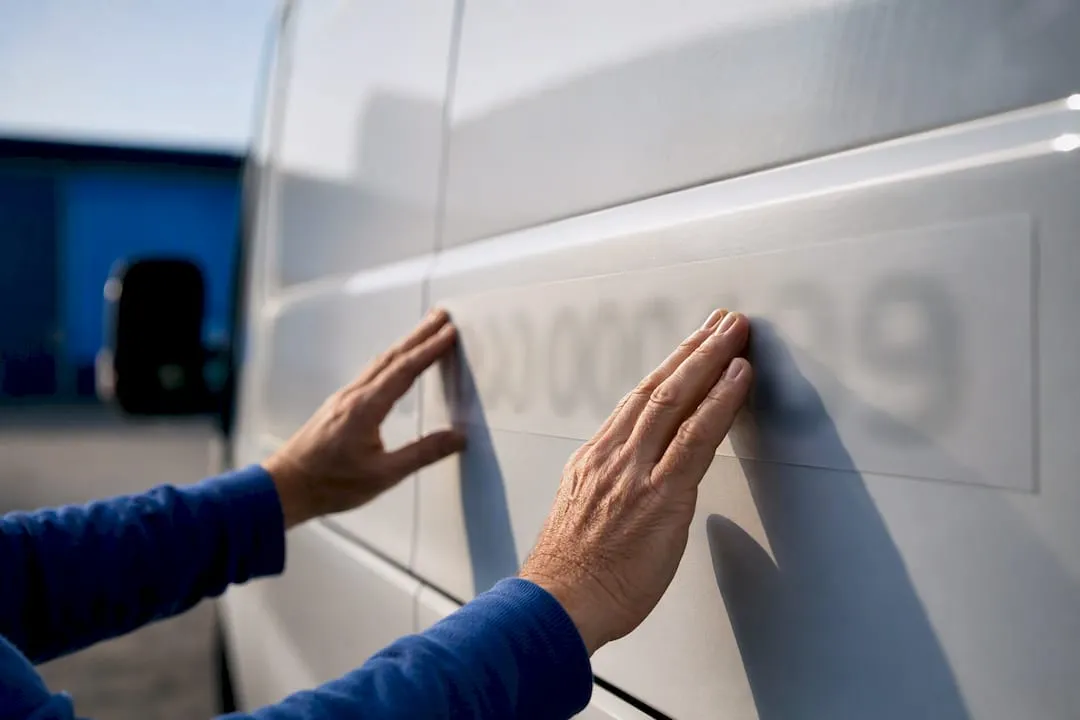
Most small firms treat their phone number as an afterthought, something the provider hands out, rather than a piece of marketing they actually control. That’s the mistake I see repeated across trades and local services: a business will spend money on van signage and Google ads, then pair it with a number nobody can retain for more than ten seconds.
A number people can recall without checking their phone gets dialled on impulse, which is exactly the moment a plumber or taxi firm wants to catch a customer. Pair that number with WhatsApp Business and you’ve given customers two ways to reach you through one identity, rather than a confusing split between “the number on the van” and “the number that answers WhatsApp.”
A searchable database lets you filter by area code, pattern, or town, and numbers typically carry portability protections, so switching provider later doesn’t mean starting your brand recognition from zero.
— Rob
Get a memorable number ready for calls and WhatsApp
Everything above only pays off once you’ve actually got a number that’s yours to route, forward, and register. You can find searchable databases of UK landline, mobile, and non-geo numbers, with the option to buy outright or rent month to month, and portability is generally available, so you are not locked to one supplier.
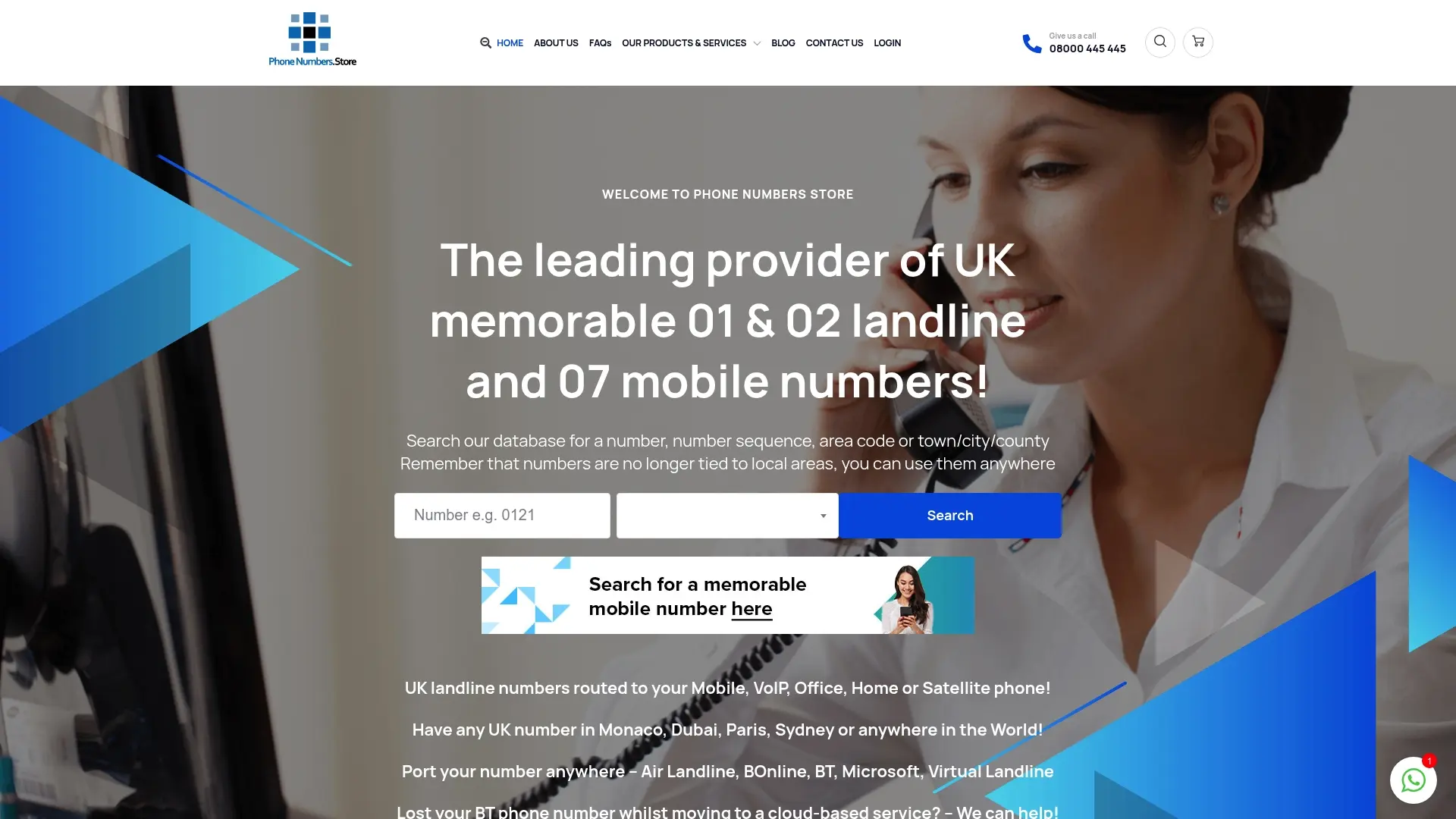
Search by area code, town, or a specific digit pattern, then check the porting and forwarding terms listed against the number before you commit. A memorable Leeds landline like 0113 273 2222 or a sequential number such as 0115 928 8888 both work the same way for WhatsApp Business: confirm it takes voice calls, run the “Call me” verification once forwarding is live, and you’re set. Browse the Phonenumbers and get the number reserved before your next print run of business cards.
Where to check the official rules
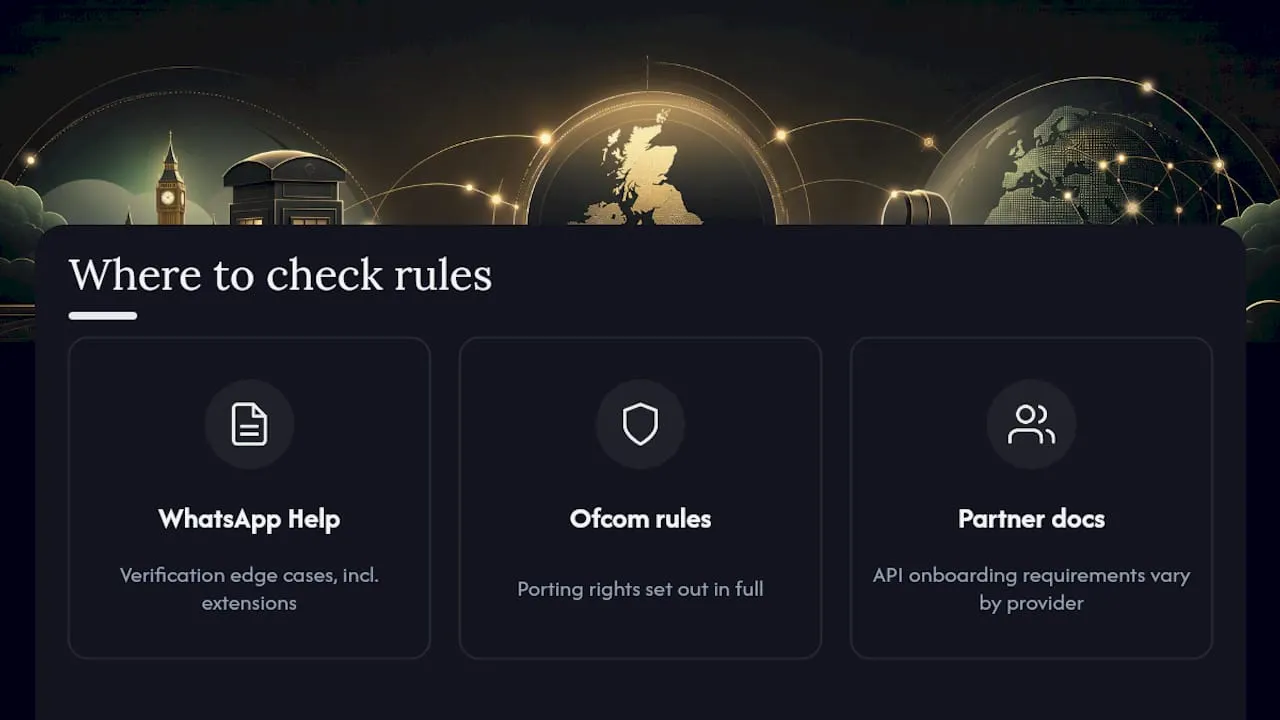
For anything touching verification or your rights as a customer, go to the primary source rather than a summary. WhatsApp’s own Help Centre article on registering the Business app covers every verification edge case, including what happens with extensions. Ofcom’s general conditions page sets out your porting rights in full. If you’re planning an API integration rather than the standalone app, check your chosen solution partner’s own onboarding documentation, since requirements vary between providers.
Sources
- How to register for the WhatsApp Business app | WhatsApp Help Center
- General conditions that protect business customers | Ofcom
- WhatsApp Business: using a landline | Sinch
- This is how to use WhatsApp Business with a landline number | Trengo
FAQ
Can I use a landline number for WhatsApp Business?
Yes, provided it can receive a voice call. Since landlines can’t get SMS codes, you select “Call me” during setup and WhatsApp reads out the six-digit code by automated phone call.
Does WhatsApp Business support all number types?
No. VoIP-only, toll-free, and premium-rate numbers are typically unsupported in the standard app, though the WhatsApp Business API allows more number types through solution partners.
Will I lose my number if I switch phone number providers?
No. Ofcom’s general conditions give you the right to port your number on reasonable terms, usually without a direct charge, and your current service must stay active if a porting attempt fails partway through.
Where can I buy a memorable UK business number?
There are searchable databases of 01, 02, 07, 03, and 08 numbers available for purchase or rental, with call forwarding, SIM, and telephony integration options, generally offering portability to another provider later.
Why can’t I register a landline extension with WhatsApp?
WhatsApp sends its verification code to the exact number entered, with no support for routing through a switchboard extension, so you need the direct dial number for the line you’re registering.
