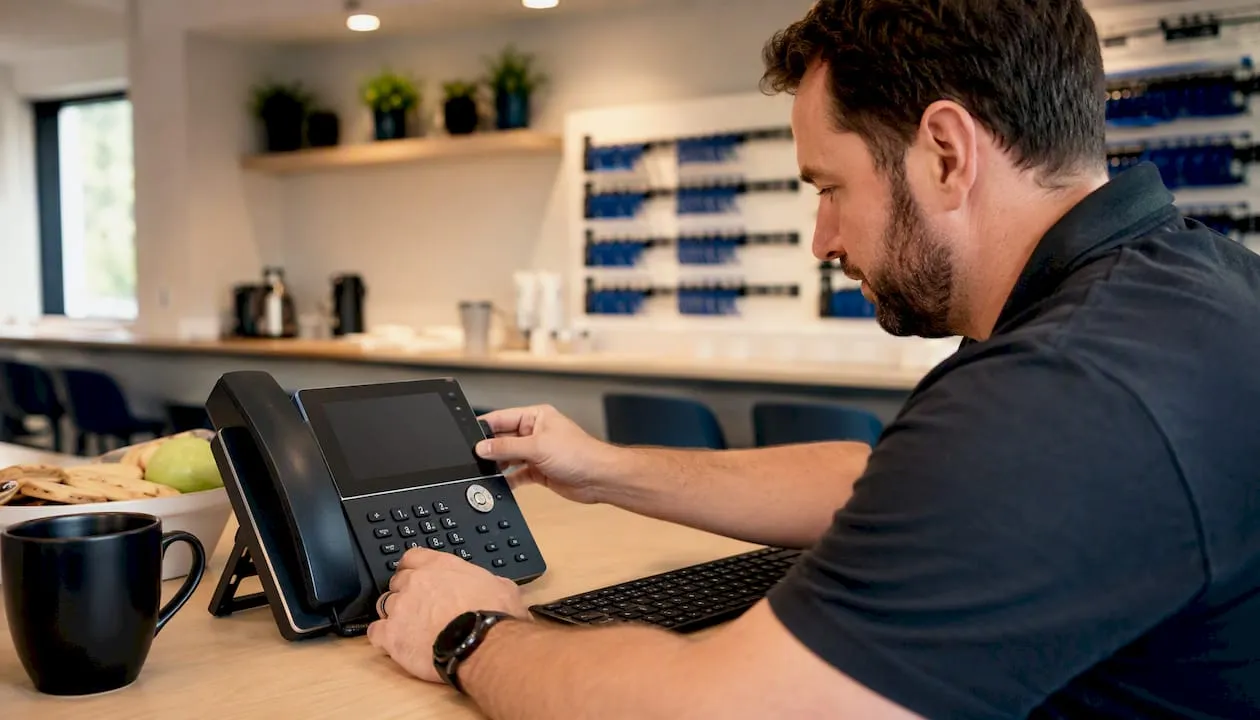
A VoIP PBX (also called an IP PBX or SIP PBX) is a business telephone system that routes calls over an internet connection rather than traditional copper phone lines. For UK businesses, two things make this immediately relevant: Openreach is withdrawing the copper PSTN and ISDN networks, with the full switch-off expected by 31 January 2027, meaning any business still on analogue lines must migrate; and because VoIP calls travel over broadband, your phone system now depends on internet connectivity and mains power, which changes how you handle everything from 999 calls to power cuts.
Key takeaways
A VoIP PBX routes business calls over broadband using SIP and RTP, replacing PSTN copper lines that Openreach is withdrawing by 31 January 2027, which means UK businesses must migrate and plan for internet and power resilience.
| Point | Details |
|---|---|
| PSTN switch-off deadline | Openreach withdraws copper PSTN and ISDN by 31 January 2027; migration is not optional. |
| Power and internet dependence | VoIP PBX needs mains power and broadband; plan a UPS and secondary internet connection before go-live. |
| 999 compliance | Confirm with your provider how location data is passed to emergency services and what happens if your internet fails. |
| Security: treat it as IT | Follow NCSC guidance: segment voice VLANs, patch regularly, use an SBC and set spend alerts to catch toll fraud early. |
| Phonenumbers for migration | Secure a portable 01, 02 or 07 number from Phonenumbers before migrating so your customer-facing number survives any future provider change. |
Table of Contents
- What do all the names mean? A quick VoIP PBX glossary
- How does a VoIP PBX actually work?
- Which deployment model suits your business?
- What features and benefits does a VoIP PBX give you?
- VoIP PBX versus legacy PBX: what actually changes
- What UK businesses must prepare for: porting, 999 and the PSTN switch-off
- Technical requirements: bandwidth, QoS, routers and resilience
- Security, reliability and common risks
- Drawbacks and common troubleshooting scenarios
- How to choose the right VoIP PBX for your business
- Choosing and porting UK business numbers
- When I would pick hosted over on-premise
- Phonenumbers: memorable UK numbers for your VoIP PBX migration
- Sources
- FAQ
What do all the names mean? A quick VoIP PBX glossary
The terminology around this technology overlaps constantly, and the same system gets called different things depending on who is selling it. Here is what each term actually refers to:
- VoIP (Voice over Internet Protocol): The underlying technology. Voice is converted into data packets and sent over an IP network, the same infrastructure your email and web browsing use.
- PBX (Private Branch Exchange): The internal phone system a business runs to manage calls between extensions and to route inbound and outbound calls. The “private” part means it sits between your staff and the public telephone network.
- IP PBX: A PBX that uses IP networks to route calls. The terms VoIP PBX and IP PBX are used interchangeably in most contexts. According to PortaSIP’s IP PBX explainer, both refer to a private business phone system that uses IP for call routing, with SIP trunking as the standard connection method to public telephone networks.
- SIP PBX: The same system described by its signalling protocol. SIP (Session Initiation Protocol) is what IP PBXs use to set up, manage and end calls, so “SIP PBX” is just a more technically precise label.
- Hosted / Cloud PBX: An IP PBX where the server runs in a data centre managed by a provider rather than on your premises. You access it over the internet and pay a monthly per-user fee.
- UCaaS (Unified Communications as a Service): The next step beyond a cloud PBX. UCaaS platforms extend voice features to video, chat and file sharing in a single service. Dialpad’s SME guide describes UCaaS as the natural evolution of IP PBX for organisations that want all communication channels under one roof.
The short version: VoIP is the technology, PBX is the system, and IP/SIP/Cloud are adjectives describing how or where that system runs.
How does a VoIP PBX actually work?
When someone dials your number, a VoIP PBX handles the call in two parallel streams: signalling and media.
Signalling is managed by SIP. It is the conversation between servers that says “there is a call, here are the details, the other party has answered, the call has ended.” SIP does not carry the voice itself; it just coordinates the session.
Media travels separately as RTP (Real-time Transport Protocol) packets. Your voice is sampled, compressed using a codec (G.711 for high quality, G.729 for lower bandwidth), packetised and sent across the network. The receiving end reassembles those packets into audio. Codec choice directly affects both call quality and the bandwidth each call consumes.
The core components in a typical deployment are:
- PBX server: The software or hardware brain that handles call routing, extension management, IVR menus and voicemail. Can be on-premise hardware or a cloud instance.
- SIP trunk: The virtual equivalent of a phone line, connecting your PBX to the public telephone network (or its VoIP replacement). One SIP trunk can carry multiple simultaneous calls.
- IP phones or softclients: The devices your staff use. A desk phone with an Ethernet port, a softphone app on a laptop, or a mobile app all register with the PBX over SIP.
- Session Border Controller (SBC): A security and interoperability device that sits at the edge of your network, controlling which SIP traffic enters and exits. Think of it as a firewall specifically for voice.
- PSTN gateway (optional): If you still have analogue lines, a gateway converts between analogue signals and SIP, letting legacy handsets or fax machines connect to an IP PBX during a phased migration.
SIP trunking is now the standard way to connect an IP PBX to the outside world. It replaces physical ISDN channels with virtual channels over broadband, and you can add or remove channels almost instantly without an engineer visit.
Which deployment model suits your business?
There is no single right answer here. The three models each make sense in different circumstances.
On-premise IP PBX
The PBX server lives on your site, either as dedicated hardware or software running on a server. You own the system, control the configuration and keep call data on your own infrastructure.
Advantages:
- Full control over configuration, data and integrations
- No ongoing licence fees once the system is paid for
- Can operate independently of a cloud provider’s uptime
Disadvantages:
- Upfront capital cost for hardware and installation
- Your IT team (or a contractor) is responsible for patching and maintenance
- Scaling up requires hardware changes
Best suited to: larger organisations with in-house IT, regulated businesses with strict data residency requirements, or firms with complex call routing needs.
Hosted / cloud PBX
The PBX runs in a provider’s data centre. Your phones register over the internet, and the provider handles all maintenance, updates and redundancy.
Advantages:
- Low upfront cost; predictable monthly per-user pricing
- Provider handles updates, security patches and hardware failures
- Easy to add users or sites without touching physical infrastructure
Disadvantages:
- Ongoing subscription cost that accumulates over time
- Call quality depends on your internet connection
- Less control over data location and configuration
AMVIA’s guide to VoIP benefits for UK businesses notes that hosted plans commonly fold line rental, trunking and PBX features into a single predictable monthly fee, which removes the unpredictability of separate ISDN channel costs.
Hybrid PBX
A hybrid keeps existing on-premise hardware while connecting it to cloud services or SIP trunks. Common during migrations when a business cannot replace everything at once.
Advantages:
- Protects existing hardware investment during transition
- Allows phased migration, reducing disruption
Disadvantages:
- More complex to manage than either pure model
- May carry the limitations of legacy hardware until fully replaced
What features and benefits does a VoIP PBX give you?
The feature set is where IP PBX genuinely pulls ahead of a legacy system. RingCentral’s PBX explainer lists voicemail-to-email, advanced routing and mobile integration as standard IP PBX features. In practice, the ones that change daily operations most are:
- IVR (Interactive Voice Response): Automated menus that route callers to the right team without a receptionist. A small firm can present the same professional front as a large contact centre.
- Hunt groups: Incoming calls ring multiple extensions in sequence or simultaneously until someone answers. Reduces missed calls without needing a dedicated operator.
- Voicemail-to-email: Voicemails are transcribed or sent as audio attachments to your inbox. Setting one up is straightforward; see how to set up voicemail for business for a practical walkthrough.
- Call recording: Calls can be recorded and stored automatically, useful for compliance, training and dispute resolution. (Regulated firms must check their obligations under UK GDPR and sector-specific rules before enabling this.)
- Mobile integration: Staff can make and receive calls on their business number from a smartphone app, anywhere with a data connection. The number follows the person, not the desk.
- Conferencing: Multi-party calls without a separate conferencing service or per-minute charges.
- Scalability: Adding a new user is a software change, not a hardware installation. A growing business can add extensions in minutes.
On cost, removing ISDN channel rentals alone can represent a meaningful reduction in monthly telephony spend for businesses currently paying for multiple ISDN30 circuits. International and mobile call rates over SIP trunks are typically lower than PSTN equivalents, though exact savings depend on call volumes and the provider you choose.
VoIP PBX versus legacy PBX: what actually changes
The functional job of a PBX has not changed. It still routes calls, manages extensions and connects your business to the outside world. What has changed is the infrastructure underneath it.
| Feature | Legacy PBX (PSTN/ISDN) | VoIP / IP PBX |
|---|---|---|
| Connectivity | Dedicated copper circuits | Broadband / SIP trunks |
| Cost structure | Per-channel line rental + call charges | Per-user monthly fee or SIP trunk pricing |
| Scalability | Engineer visit to add lines | Software change, near-instant |
| Power resilience | Works during power cut (analogue) | Requires UPS or mobile failover |
| Feature updates | Hardware upgrade or replacement | Software update, often automatic |
| Call quality | Consistent (circuit-switched) | Depends on internet quality and QoS |
The resilience point is the one most businesses underestimate. An analogue PSTN line carries its own power from the exchange. A VoIP PBX needs your router, your switch and your server all to be running. If the power goes out and you have no UPS, your phones go silent.
The decision to replace a legacy PBX is now less about preference and more about timing. With the PSTN switch-off deadline approaching, keeping an analogue system is not a long-term option. The practical question is whether to migrate now and gain the feature and cost benefits early, or wait until closer to the deadline and risk a rushed migration.
What UK businesses must prepare for: porting, 999 and the PSTN switch-off
The Openreach PSTN withdrawal means that by 31 January 2027, all active UK landlines will run over broadband-based services. Businesses on ISDN or analogue lines have no choice but to migrate.
Number porting checklist:
- Confirm your existing numbers are portable before committing to a new provider. Most 01, 02 and 03 numbers are portable; some 08 numbers have restrictions.
- Obtain your PAC (Porting Authorisation Code) or equivalent from your current provider.
- Plan the cut-over for a low-traffic period, typically a weekend or overnight.
- Allow up to five working days for a port to complete, though many complete faster.
- Notify customers, suppliers and any printed materials of any temporary disruption window.
- Test inbound and outbound calls on the new system before releasing the old lines.
For step-by-step guidance on the process, transferring your landline number to VoIP covers the practical steps in detail.
999 handling obligations:
This is the area where many businesses get caught out. Ofcom requires that VoIP providers handling 999 calls must pass accurate location information to the emergency services. For a hosted PBX, this means:
- Confirm with your provider that 999 calls are routed correctly and that location data (your registered address or, for mobile workers, a nominated address) is passed to the emergency operator.
- Verify what happens to 999 calls if your internet connection fails. Some providers route emergency calls over the mobile network as a fallback; others do not.
- For businesses with multiple sites or remote workers, each location needs a registered address associated with it in the provider’s system.
- Document your emergency call procedure and make sure all staff know it.
Regulatory notes:
Ofcom’s general conditions require VoIP providers to offer access to emergency services. If you are procuring a hosted PBX, ask the provider explicitly how they meet this obligation and get it in writing. For phone number compliance obligations more broadly, Ofcom’s published guidance is the authoritative reference.
Technical requirements: bandwidth, QoS, routers and resilience
A VoIP PBX is only as good as the network it runs on. Getting this right before you go live saves a lot of troubleshooting later.
Bandwidth:
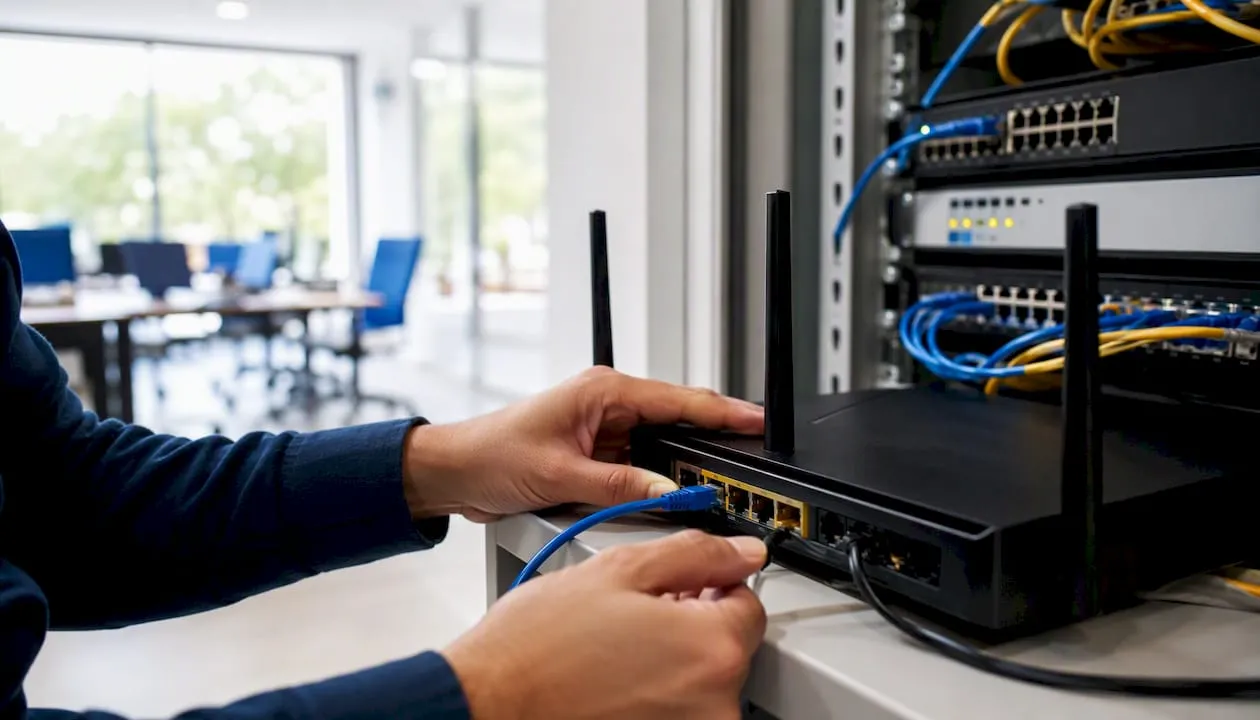
Each concurrent call uses roughly 80–100 kbps of bandwidth with the G.711 codec, or around 30–40 kbps with G.729. A business running ten simultaneous calls on G.711 needs at least 1 Mbps dedicated to voice, but the real requirement is headroom: voice traffic competes with everything else on your connection, so a 10 Mbps line shared with video conferencing and cloud backups will struggle.
Router and firewall configuration:
- Disable SIP ALG (Application Layer Gateway) on your router. SIP ALG is designed to help but almost always breaks SIP signalling. Most business routers have an option to turn it off.
- Configure port forwarding for SIP (typically UDP 5060) and RTP media ports to your PBX server.
- Deploy a Session Border Controller at the network edge for any internet-facing SIP traffic.
Quality of Service (QoS):
QoS tells your router to prioritise voice packets over less time-sensitive traffic like file downloads. Without it, a large email attachment can cause audible jitter on a call. Most managed routers support DSCP tagging for voice traffic; enable it and mark SIP and RTP traffic with the EF (Expedited Forwarding) class.
Resilience checklist:
- Install a UPS (Uninterruptible Power Supply) on your router, switches and PBX server. Even a 15-minute battery gives time for a graceful shutdown or failover.
- Consider a secondary internet connection (4G/5G router or a second broadband line) that activates automatically if the primary fails.
- For cloud PBX users, confirm the provider’s own redundancy: where are their data centres, and what is their published uptime SLA?
Security, reliability and common risks
The NCSC’s PBX best practice guidance is explicit: treat an IP PBX as an IT asset, not a piece of telecoms equipment. That distinction matters because most of the serious attacks on IP PBX systems exploit exactly the gap between those two mindsets.
Common threats:
- Toll fraud: Attackers gain access to your SIP trunk and make high-cost international calls, often to premium-rate numbers they control. Losses can reach thousands of pounds before anyone notices.
- Unauthorised SIP registration: Weak passwords on SIP extensions allow attackers to register as a legitimate extension and make calls at your expense.
- Denial of service against telephony: Flooding a SIP server with malformed packets can take your phone system offline.
Defensive checklist (NCSC-aligned):
- Change all default passwords on SIP accounts, admin interfaces and IP phones immediately after installation.
- Segment your voice VLAN from your data network so a compromised workstation cannot reach the PBX directly.
- Apply patches to PBX software and firmware on the same schedule as your other IT systems.
- Use a Session Border Controller to filter SIP traffic and block traffic from unexpected geographic regions.
- Set hard limits on concurrent calls and international dialling permissions per extension.
- Enable call detail record (CDR) logging and review it regularly for anomalous patterns.
Pro Tip: Set an alert on your SIP trunk for call spend above a daily threshold. Most providers offer this as a standard feature. Catching a toll fraud incident at £50 is very different from catching it at £5,000.
Incident response:
If you suspect a compromise, suspend outbound international dialling immediately, pull CDR logs for the previous 48 hours and contact your SIP trunk provider. Most providers have a fraud team that can block suspicious traffic within minutes.
Drawbacks and common troubleshooting scenarios
VoIP PBX is not without its frustrations. Knowing the common failure modes saves time when something goes wrong.
Limitations to plan for:
- Internet dependence: No broadband, no calls. Unlike analogue lines, there is no fallback unless you have planned one.
- Power dependence: Covered above, but worth repeating: IP phones and routers need power. Analogue handsets do not.
- Variable call quality: Jitter, packet loss and latency all affect audio. A congested network produces choppy calls.
- Emergency location accuracy: For mobile or remote workers, the location passed to 999 may not reflect where they actually are.
- Call recording compliance: Recording calls without proper consent notices or retention policies creates UK GDPR exposure.
Common troubleshooting checks:
- No audio at all: Check SIP registration status on the phone; verify the PBX server is reachable; confirm firewall rules are not blocking RTP ports.
- One-way audio: Almost always a NAT traversal problem. Disable SIP ALG, check STUN server configuration, or deploy an SBC.
- Jitter and choppy audio: Run a network quality test (tools like PingPlotter help). Check QoS settings; look for bandwidth saturation on the connection.
- Calls dropping after 30 seconds: A classic SIP ALG symptom. Disable it on the router.
For broader resilience advice during a transition, embracing VoIP: a shift in telecommunications covers the reliability considerations worth reviewing before go-live.
How to choose the right VoIP PBX for your business
Procurement conversations go better when you arrive with specific questions rather than a general brief. Work through this list before you shortlist providers.
- Define your scale and growth trajectory. How many users now, and in two years? A system that is cheap at ten users but expensive at fifty is a problem you are buying today.
- Clarify your compliance requirements. Do you record calls? Where must that data be stored? Does UK GDPR or a sector regulator (FCA, CQC) impose specific retention or access rules?
- Assess your internet connection. What is your current upload speed and contention ratio? Can you add a second line for resilience?
- Ask every shortlisted provider:
- How do you handle 999 calls, and what location data do you pass to emergency services?
- Where are your data centres, and is data processed outside the UK?
- What is your SLA for uptime and fault resolution?
- Can you port our existing numbers, and what is the expected timeline?
- How do you detect and respond to toll fraud incidents?
- What encryption do you use for SIP signalling and RTP media?
- Run a structured trial. Pilot the system with a small group of users for at least two weeks before full migration. Test call quality at different times of day, test 999 routing, and test failover behaviour.
- Plan the migration sequence. Migrate non-critical lines first, keep legacy lines live in parallel during the transition, then cut over the main numbers once the system is proven.
For a broader strategic view of the migration decision, business telephony in 2025: what decision-makers must know is worth reading before you start shortlisting.
Choosing and porting UK business numbers
The number you present to customers is a business asset, and it is worth treating it as one before you commit to a VoIP PBX provider.
UK number types and what they signal:
- 01/02 geographic numbers: Tied to a specific area code (though numbers are no longer physically tied to that location). They signal a local presence and are familiar to customers.
- 03 national-rate numbers: Charged at the same rate as 01/02 numbers from mobiles and landlines. A good choice for businesses that want a national presence without the premium-rate association.
- 07 mobile numbers: Standard mobile numbers, now commonly used by sole traders and small businesses. Portable and flexible.
- 0800 freephone: Free for callers from UK landlines and mobiles. Useful for customer service lines where you want to remove the cost barrier for callers.
- 084/087 non-geographic: Revenue-sharing numbers that cost callers more. Ofcom has restricted their use in certain contexts; check current rules before adopting one.
Porting checklist:
- Verify the number is portable before signing with a new provider. Ask your current provider for a porting confirmation in writing.
- Confirm the new provider supports the number type you are porting (not all hosted PBX providers handle 0800 or 03 numbers natively).
- Agree a porting date that gives you time to test before going live.
- Keep the old line active in parallel for at least 48 hours after the port completes.
Pro Tip: Choose a memorable number before you migrate rather than after. Once you have ported a number to a VoIP PBX, switching providers later is straightforward because the number stays with you. Phonenumbers holds a large database of 01, 02 and 07 numbers you can search by area code, number sequence or town, and those numbers are portable to any VoIP PBX provider.
For practical guidance on virtual numbers and VoIP PBX features working together, that resource covers the combination in detail.
When I would pick hosted over on-premise
The hosted versus on-premise debate gets framed as a cost question, but it is really a question of where you want the operational risk to sit.
For a firm of under 30 people with no dedicated IT staff, on-premise is a bad idea. Not because the technology is worse, but because someone has to patch it, back it up and fix it at 8 AM on a Monday when calls are not connecting. A hosted provider absorbs that operational burden, and for most small businesses that trade-off is worth the ongoing subscription cost.
The calculation shifts for a regulated business, say a financial services firm or a healthcare provider, where call recordings must be retained for specific periods, stored in specific locations and accessible only to authorised personnel. Moving to a cloud PBX does not by itself guarantee regulatory compliance for call recording or data residency; regulated firms must verify provider policies for retention, encryption and access controls. An on-premise system, or a hybrid with local recording storage, gives that firm direct control over the evidence trail.
The hybrid model is underused and often the most sensible path for mid-sized businesses mid-migration. Keep the on-premise hardware for the functions that need local control, connect it to SIP trunks for cost savings, and add cloud features gradually. It is less elegant than a clean cutover, but it is far less risky.
Phonenumbers: memorable UK numbers for your VoIP PBX migration
When you move to a VoIP PBX, the number your customers dial is the one thing that stays constant across every provider change, every system upgrade and every office move. Getting that number right at the start of your migration is worth more than most businesses realise.
Phonenumbers is the UK’s leading provider of memorable 01, 02 and 07 numbers. Search the database by area code, number sequence or town, and you will find numbers that are genuinely easy for customers to remember and repeat. Because UK numbers are no longer tied to a physical location, you can use a Leeds area code from a London office, or a Manchester number for a fully remote team. Every number in the Phonenumbers database is portable, so if you change your VoIP PBX provider in two years, your number moves with you without any disruption to customers. Browse available UK numbers and secure yours before your migration date.
Sources
- Private Branch Exchange (PBX) best practice | National Cyber Security Centre
- What is IP PBX? | PortaSIP
- 10 Key Benefits of VoIP Phone Systems for UK Businesses | AMVIA
FAQ
What is the difference between VoIP and PBX?
VoIP is the technology that carries voice calls as data packets over an internet connection. A PBX is the system that manages those calls internally, routing them between extensions and connecting your business to the outside world. A VoIP PBX combines both: it uses VoIP as the transport and PBX software as the call management layer.
Is a PBX the same as a landline?
No. A PBX sits between your internal extensions and the public telephone network. A landline is a physical connection to that network. A VoIP PBX can present a geographic landline number (01 or 02) to callers while routing the call entirely over broadband, with no copper line involved.
Do businesses still use PBX systems?
Yes, and the technology is more widely used than ever. The shift is from legacy analogue PBX to IP PBX. With the Openreach PSTN switch-off by 31 January 2027, businesses that have not already moved to an IP PBX will need to do so.
What are the main disadvantages of a VoIP PBX?
The three most significant are dependence on internet connectivity, dependence on mains power (unlike analogue lines, which carry their own power from the exchange), and variable call quality if the network is congested or poorly configured. Emergency call location accuracy for remote workers is also a practical concern that requires deliberate configuration.
Can I keep my existing phone number when switching to a VoIP PBX?
Most 01, 02 and 03 numbers are portable and can be transferred to a VoIP PBX provider. Confirm portability with your current provider before signing with a new one, and allow up to five working days for the port to complete. Phonenumbers also offers a wide selection of memorable 01, 02 and 07 numbers if you want to choose a new number as part of your migration.
