
TL;DR:
- A call forwarding checklist ensures reliable call routing by guiding setup, testing, and maintenance processes. Conditional forwarding is preferred over unconditional as it maintains internal call handling, while dial codes offer consistent, carrier-free activation across devices. Regular testing and clearing outdated settings prevent silent call failures and routing loops.
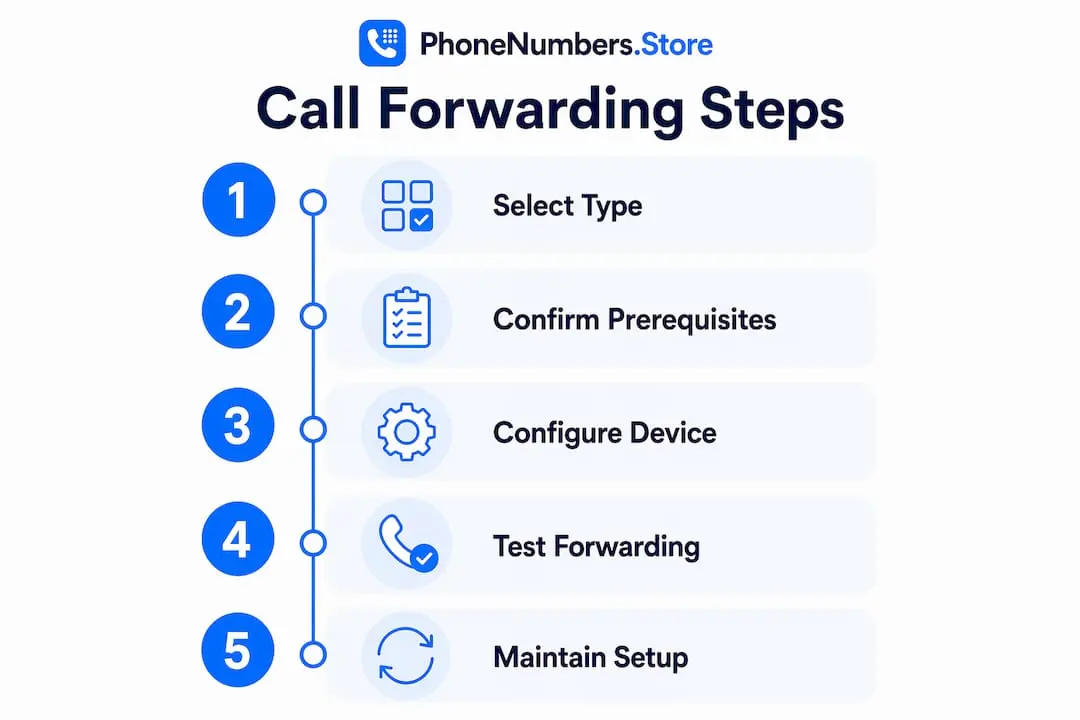
A call forwarding checklist is the structured process business owners use to configure, test, and maintain phone routing so that no customer call goes unanswered. Whether you rely on a traditional landline, a mobile, or a VoIP dashboard such as RingCentral or 3CX, the same core principles apply: choose the right forwarding type, use the correct dial codes or settings, and test every step before going live. This guide covers all four forwarding categories, the tools you need, step-by-step setup instructions, and the most common mistakes that cause calls to disappear entirely.
What does a call forwarding checklist cover?
Call forwarding falls into four categories as of 2026: Unconditional, When Busy, No Answer, and Unreachable. Each type serves a distinct business purpose, and choosing the wrong one costs you calls.
Unconditional forwarding redirects every incoming call immediately, regardless of whether your phone is available. This is useful when you are completely away from your primary number, but it removes all local call handling. Conditional forwarding only activates when a specific condition is met, such as the line being engaged or unanswered after a set number of rings.
Here is a breakdown of when each type applies in a business context:
- Unconditional: You are at a trade show for two days and want all calls sent to a colleague’s mobile.
- When Busy: Your receptionist is on a call. New callers route to a second line or voicemail rather than hearing an engaged tone.
- No Answer: A caller rings your office number. If nobody picks up within 20 seconds, the call forwards to your mobile.
- Unreachable: Your phone is switched off or outside signal range. Calls route to a backup number automatically.
Conditional forwarding is preferable over unconditional for most businesses because it preserves internal call handling and routing flexibility. Unconditional forwarding is a blunt instrument. Conditional forwarding is a precision tool.
Pro Tip: Set up “No Answer” forwarding as your default business configuration. It gives your team the first opportunity to answer, then catches the call if they cannot.
What tools and prerequisites do you need?
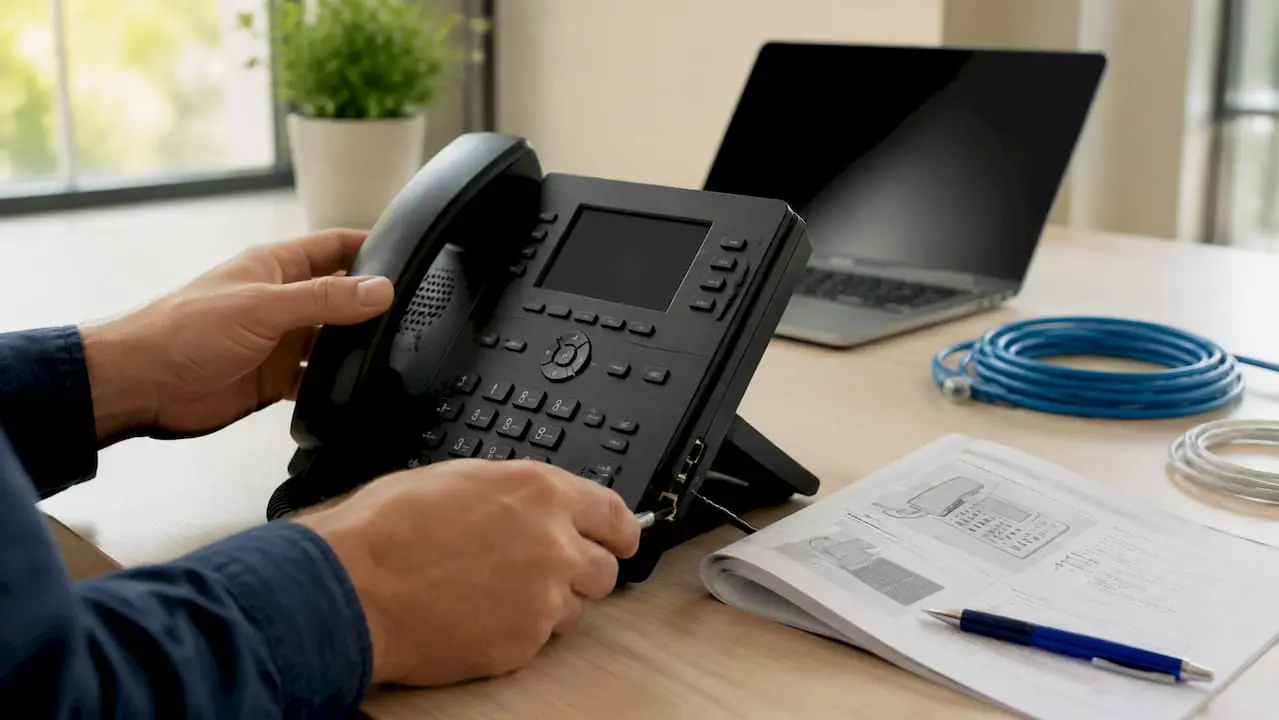
The right setup depends on your phone type. Each platform has different access points and requirements, so confirm yours before you begin.
| Platform | Access Method | Key Requirement |
|---|---|---|
| Mobile (GSM) | Dial codes or Settings app | Active SIM with carrier support |
| Traditional landline | Carrier dial codes | Account access or engineer support |
| VoIP system | Admin dashboard (web portal) | Stable broadband connection |
| Hosted PBX | Admin portal or IT team | System admin credentials |
VoIP forwarding requires admin dashboard access and supports complex routing such as time-based rules or sequential ringing across multiple devices. The trade-off is that internet stability becomes critical. A dropped connection during a forwarded call means the call is lost entirely.
For mobile and landline setups, GSM dial codes are the most reliable method. Carrier menus may limit call forwarding options, making dial codes the professional standard for business. They bypass carrier restrictions and work consistently across GSM devices. You do not need an app, a portal, or an internet connection to activate them.
Before you configure anything, confirm these three things. First, your carrier supports the forwarding type you need. Second, you have the destination number ready and tested. Third, for VoIP, your internet connection is stable and your admin credentials are current.
How do you set up call forwarding step by step?
Using dial codes on mobile or landline
Dial codes are the fastest and most reliable method for business call forwarding. Dial codes differ by carrier. In the US, Verizon uses 72 for unconditional forwarding, while AT&T and T-Mobile use 21number#. In the UK, the standard GSM code for unconditional forwarding is **21number#. Always confirm the correct code with your carrier before deploying.
- Open your phone’s dialler.
- Enter the activation code followed by the destination number and # (for example, **21*07700900123# for unconditional forwarding on most UK GSM networks).
- Press call. Wait for the confirmation tone or message.
- Dial your original number from a separate phone to confirm the forward is active.
- For conditional forwarding (busy), use **67*number# on most UK GSM networks.
- For no answer forwarding, use **61*number# followed by number of seconds if your carrier supports ring duration customisation.
- For unreachable forwarding, use **62*number#.
- Test each scenario individually: let the line ring out, engage it with another call, and switch it to flight mode.
Pro Tip: Dial codes are sometimes more reliable than device menus due to carrier restrictions. Use codes for your primary business setup and reserve the settings menu for personal devices only.
Using phone settings or a VoIP dashboard
On Android, go to Phone app, then Settings, then Calls, then Call Forwarding. On iOS, go to Settings, then Phone, then Call Forwarding. Toggle on and enter the destination number.
For VoIP platforms such as 3CX or Vonage, log into the admin portal, navigate to the extension settings, and locate the Call Forwarding or Routing section. You can configure rules by time of day, caller ID, or call status. Internet stability is key to avoid missing forwarded calls on VoIP, so run a speed test before finalising any routing rules.
Most phone settings defaults only enable unconditional forwarding, requiring dial codes for conditional scenarios to prevent call loss. This is the single most common oversight in business call forwarding setups.
What are the most common call forwarding mistakes?
Getting the setup right is only half the job. These are the errors that cause calls to fail silently, often without the business owner ever knowing.
- Forwarding loops: These occur when device and carrier forwarding settings conflict with each other. A call bounces between two numbers indefinitely and eventually drops. Forwarding loops can occur if device and carrier settings conflict, requiring the universal reset code ##002# to resolve.
- No backup destination: Without a backup destination, calls forwarded to a busy or unreachable number risk being lost entirely. Always configure a secondary number or voicemail as a final fallback. The Phonenumbers blog covers avoiding call loss in forwarding chains in detail.
- Untested forwarding chains: Setting up forwarding and assuming it works is not a plan. Test every scenario: busy line, unanswered call, and phone switched off.
- Stale forwarding rules: Old rules left active from a previous setup can intercept calls unexpectedly. Clear them regularly using ##002# to disable all forwarding and start fresh.
- Ignoring ring duration: You can customise ring duration before forwarding on No Answer conditional forwarding, typically between 5–30 seconds. Too short and your team never gets the chance to answer. Too long and callers hang up before the forward kicks in.
Testing every step in the forwarding chain, including backup numbers, is vital to avoid lost calls. A forwarding setup that has never been tested is not a safety net. It is a false sense of security.
For businesses with distributed or remote teams, the considerations around remote call forwarding add another layer of complexity worth reviewing separately.
Key takeaways
A reliable call forwarding system requires the right forwarding type, correct dial codes, a tested backup destination, and regular maintenance to prevent routing failures.
| Point | Details |
|---|---|
| Choose conditional over unconditional | Conditional forwarding preserves internal call handling and gives your team first chance to answer. |
| Use dial codes for business setups | Dial codes bypass carrier menu restrictions and work consistently across GSM devices. |
| Always configure a backup destination | A second number or voicemail prevents calls from being lost when the primary forward fails. |
| Test every forwarding scenario | Simulate busy, unanswered, and unreachable conditions before relying on any forwarding rule. |
| Reset stale rules with ##002# | Clearing old forwarding settings prevents loops and unexpected call routing conflicts. |
Why i always start with conditional forwarding
Most business owners I speak with have set up unconditional forwarding and called it done. They forward everything to their mobile and assume the problem is solved. The problem is not solved. It is deferred.
Unconditional forwarding removes your office number from the equation entirely. Your team cannot intercept calls. Your receptionist cannot screen them. Every caller goes straight to whoever holds the forwarded number, with no context and no filter. That works for a sole trader on holiday. It does not work for a business with more than one person.
My strong view is that conditional forwarding, specifically the No Answer type with a ring duration of around 15–20 seconds, is the correct default for almost every business. It gives your team the first opportunity to answer professionally, then catches the call if they cannot. Pair that with a voicemail forwarding checklist as a final fallback, and you have a genuinely resilient system.
The other thing I see consistently is businesses skipping the test phase. They configure the forward, check the confirmation tone, and move on. Then a client calls on a busy day, the line is engaged, the conditional forward should kick in, and it does not because the carrier setting and the device setting are conflicting. The call drops. The client does not call back. Use ##002# to wipe everything clean before you build your setup, and then test every single scenario with a second phone. It takes ten minutes and it is the most valuable ten minutes in your call forwarding guide.
— Rob
Get a memorable number that works with your forwarding setup
A call forwarding system is only as strong as the number it is built around. Phonenumbers provides memorable UK 01 and 02 landline numbers and 07 mobile numbers that you can use anywhere in the country, regardless of your physical location. A number like 0113 255 0000 is easy for customers to remember, projects a professional image, and is fully compatible with the conditional and unconditional forwarding setups covered in this guide. Phonenumbers lets you search by number sequence, area code, or town, so you can find a number that fits your brand and route it exactly where you need it. Browse the full range at Phonenumbers and pair a memorable number with the forwarding configuration that suits your business.
FAQ
What is a call forwarding checklist?
A call forwarding checklist is a structured list of steps covering forwarding type selection, dial code or settings configuration, backup destination setup, and testing. It helps business owners deploy reliable call routing without missing calls.
Which dial code disables all call forwarding?
The universal reset code ##002# disables all active forwarding rules on most GSM networks. Use it to clear conflicting settings before reconfiguring your forwarding setup.
Is conditional or unconditional forwarding better for business?
Conditional forwarding is better for most businesses because it preserves internal call handling. Unconditional forwarding redirects every call immediately, removing your team’s ability to answer first.
How long should the ring duration be before no-answer forwarding activates?
A ring duration of 15–20 seconds is the standard recommendation. This gives your team enough time to answer while keeping callers from waiting too long before the forward activates.
Do i need the internet to set up call forwarding?
Mobile and landline forwarding via dial codes does not require an internet connection. VoIP forwarding requires a stable broadband connection for both configuration and reliable call delivery.