
When a call is forwarded, the recipient normally sees the original caller’s own number, known as the Presentation Number, not the number it was forwarded from. That holds true as long as the call data travels through the network intact. The main exceptions are withheld numbers, international or transit routing changes, invalid CLI data, and deliberate spoofing, all of which can replace the number or show it as unavailable.
TL;DR:
- Ofcom guidance expects originating providers to verify permission before presenting a third party number, while transit and terminating providers may block unverified caller data.
- Withheld caller IDs stay hidden, while overseas routes, invalid numbers, or PBX settings may replace the original number or mark it unavailable.
- To diagnose mismatches, test calls from a UK phone, a withheld number, and an international number, then ask whether your provider inserts its caller ID.
- Spoofers can display legitimate numbers, so call back using a number found independently and never share sensitive details based only on the display.
Table of Contents
- What presentation and network numbers actually mean
- Why a forwarded call might show a different number or ‘unavailable’
- What communications providers are required to do
- How to check what number shows up on your forwarded calls
- Security and spoofing: why caller ID isn’t foolproof
- A straight answer from someone who deals with this daily
- Predictable caller ID starts with the right number setup
- FAQ
- Sources
What presentation and network numbers actually mean
Caller ID relies on two distinct pieces of data that often get confused. The Network Number identifies the line itself, essentially the first point of ingress into the network or the subscriber line the call originates from. The Presentation Number is the number actually shown to the person receiving the call, and under Ofcom’s CLI guidance, this is typically the original caller’s number when a call is forwarded correctly and the data passes through the network without interference.
In most everyday calls, these two numbers are identical, so nobody notices the distinction. The difference becomes visible once a PBX, SIP trunk, or forwarding service gets involved, because these systems can present a number other than the one physically dialling out.
Industry guidance on CLI handling recognises a few common categories of Presentation Number, and knowing which one applies to your setup helps explain what a recipient will see:
- Network-applied numbers, generated automatically by the originating provider from the line’s own identity.
- PBX or DDI-generated numbers, where a business phone system presents a direct dial number rather than the main switchboard line.
- Equipment-generated numbers, set manually on a device or hosted service and passed through as the caller’s identity.
Each type carries different expectations around verification. A PBX-generated number, for instance, needs permission to present a number that belongs to someone else on the system, while a network-applied number is checked against the subscriber record automatically.
Why a forwarded call might show a different number or ‘unavailable’
Several things can interrupt the normal flow of CLI data during forwarding, and each produces a different result on the recipient’s screen.
- Transit and international ingress points can replace the original CLI or mark it as unavailable, particularly when a call enters the UK network from overseas and the foreign carrier either doesn’t send CLI data or sends it in a format the receiving network can’t validate.
- Privacy markings set by the original caller, commonly known as withholding, stop the Presentation Number from being shown at all, regardless of how the call is forwarded afterwards.
- Invalid or non-diallable CLI gets blocked or substituted by providers, because Ofcom’s guidance on CLI facilities requires that any number presented to a recipient must uniquely and reliably identify the caller.
- PBX, SIP break-out, and cloud-hosted call handling can alter the Presentation Number depending on configuration, since these systems sometimes insert a company’s main number rather than passing through the original caller’s line.
The practical effect is that forwarding itself rarely changes the number you see. What changes it is whatever happens to the CLI data before it reaches the forwarding service in the first place.
What communications providers are required to do
Responsibility for accurate CLI data doesn’t sit with one party. It’s shared across the call path, and Ofcom’s guidance on the provision of Calling Line Identification facilities sets out who does what:
- Originating providers must generate correct CLI data at the point the call starts and confirm permission exists before presenting a number that belongs to a third party, such as a client’s own line through a hosted PBX.
- Transit and terminating providers are expected to validate the CLI data passing through their networks and may block or mark calls where that data looks invalid or can’t be verified.
- All providers work to underlying principles including validity, privacy, and integrity, which is why a number sometimes gets altered or withheld rather than passed through unchanged.
These rules explain some of the exceptions covered above. A provider isn’t being careless when it swaps a number for “unavailable”; it’s often following the obligation to avoid presenting data it can’t confirm.
How to check what number shows up on your forwarded calls
If you want certainty rather than assumptions, run a few controlled tests rather than relying on a single call.
- Call your forwarded number from a known UK mobile or landline, then repeat the test from a withheld number and an international number, noting what appears each time.
- Ask your forwarding provider directly whether they pass through the original caller’s CLI or insert their own network number when CLI data is missing or invalid.
- Check your handset’s call log and voicemail details, and dial 1471 where available to confirm the last incoming caller’s number.
- Keep a simple record of timestamps and call origins so you have concrete examples to share with provider support if something looks wrong.
Our guide to setting up call forwarding correctly walks through the configuration checks that usually resolve mismatched caller ID behaviour.
Pro Tip: Run your test calls at different times of day, since some transit routes behave inconsistently depending on network load.
Security and spoofing: why caller ID isn’t foolproof
Spoofing happens when someone deliberately presents a number that isn’t theirs, often to impersonate a bank, government department, or trusted local business. It means the number on your screen can look entirely legitimate while telling you nothing true about who’s actually calling.
UK government and industry action announced in November 2025 has focused on blocking spoofed numbers and making it harder for overseas call centres to mimic UK lines, which is a useful reminder that caller ID alone was never meant to be a trust guarantee.
A few habits reduce the risk regardless of what your screen shows:
- Never share personal or financial details based solely on a displayed number.
- Call back using a number you’ve found independently, not one from the suspicious call itself.
- Use your provider’s call blocking or filtering tools for persistent nuisance or spoofed calls.
Our guide to spotting VoIP caller spoofing covers the warning signs in more detail.
A straight answer from someone who deals with this daily
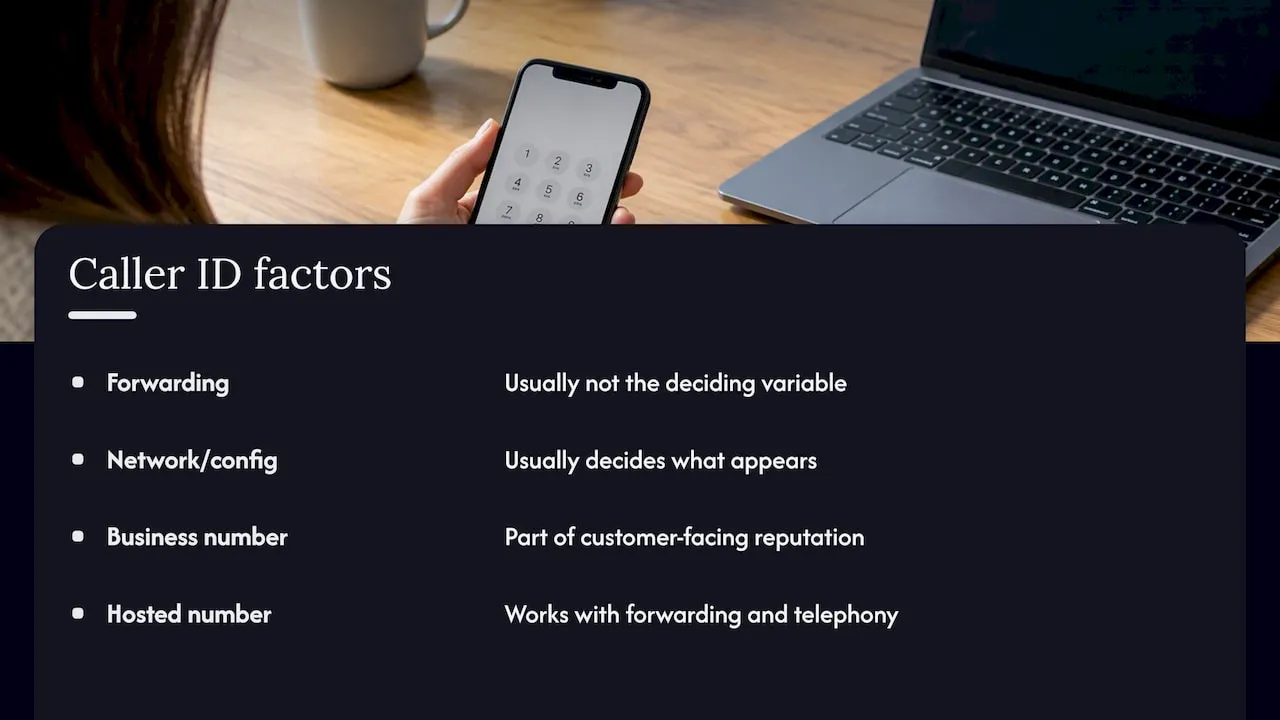
Most of the confusion around forwarded caller ID comes down to people assuming forwarding itself is the variable, when it’s almost always the network path or configuration behind it that decides what shows up. Once you understand that distinction, the exceptions stop feeling random.
For businesses specifically, the number that greets a customer is part of your reputation, so predictability matters more than most people realise. Hosted memorable numbers can be used with call forwarding and telephony systems. If you’re setting one up, our setup guide can help you configure it.
— Rob
Predictable caller ID starts with the right number setup
We supply and host memorable UK landline, mobile, and non-geographic numbers, with options for call forwarding and telephony integration.
If you’re weighing up call tracking or dynamic number insertion alongside forwarding, Juicy Designs’ explainer on call tracking and DNI covers how that layer works for businesses that want more visibility on top of a stable number.
- Search our number availability tool to find a memorable landline or non-geographic number for your business.
- Review our hosted routing and forwarding plans to see how call handling is configured end to end.
- Browse our full range of memorable numbers for sale or rental if you’re starting from scratch.
Keeping your number and routing with one provider may make it easier to manage your call setup.
FAQ
What happens if call forwarding is off?
Calls ring directly to the original line as normal, with no redirection involved, and the caller’s own number displays exactly as it would on any unforwarded call. There’s no change to Presentation Number behaviour because no forwarding or transit step is involved.
What does a call-forwarding code on a cell phone do?
On some mobile networks, a code can activate call forwarding to a chosen number, but the code varies by carrier and country. In the UK, forwarding is more commonly managed through provider settings or hosted services rather than a single universal dial code, as explained in our guide to hosted call forwarding settings.
How do I know if call forwarding is switched on?
Check your phone or provider account settings, where active forwarding is usually listed clearly alongside the destination number. You can also call your own number from another phone to confirm whether it rings through or redirects, and our quick setup codes guide covers the common checks for different providers.
What does call forwarding mean?
Call forwarding redirects an incoming call from the original dialled number to a different number you’ve chosen, without the caller needing to do anything differently. The recipient typically still sees the original caller’s number rather than the forwarding destination, according to Ofcom’s CLI guidance.
Why would a forwarded call show as unavailable instead of a number?
This usually happens when the original CLI data is invalid, withheld by the caller, or lost during transit through an international or intermediate network. Ofcom’s guidance on number spoofing and CLI handling confirms that providers are expected to block or mark data they can’t verify rather than pass through unreliable information.
